How Group Saving
Works on SafeCircle
The same Susu system you already understand, just easier to run.
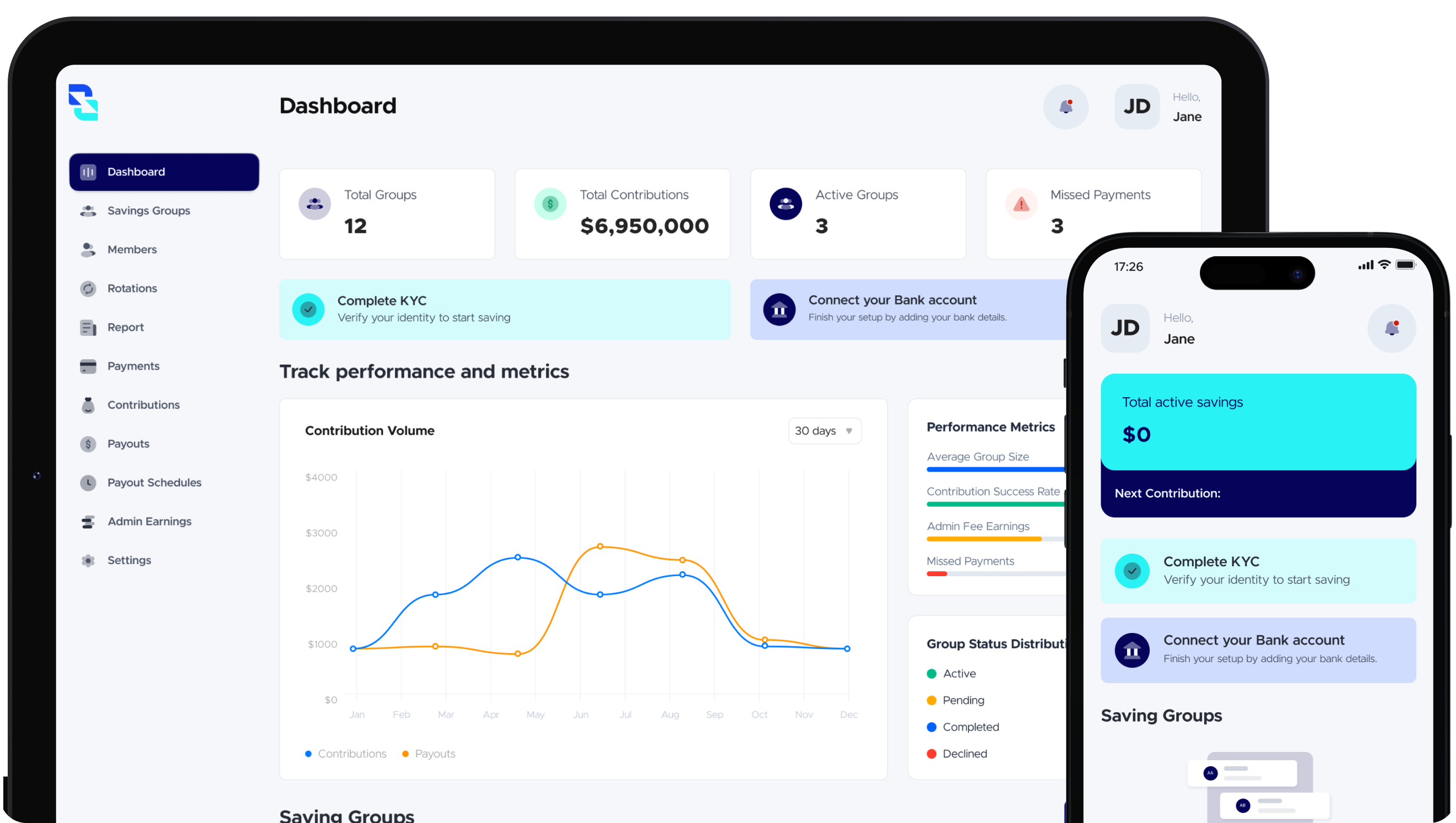
For the person running the savings group
If you are the one setting the group up, here is how you run it smoothly.
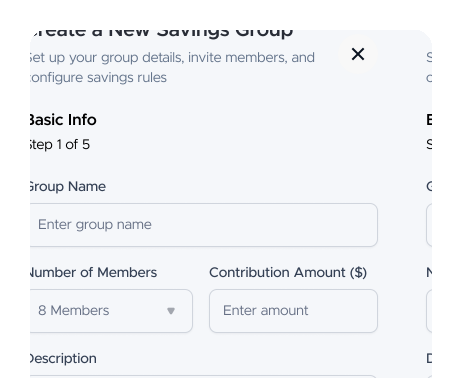
Set up your savings circle
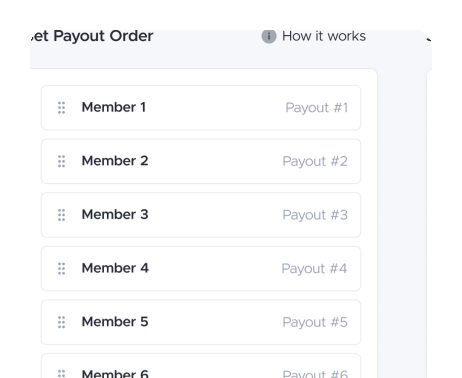
Create the group, choose contribution amount, schedule, rules, and payout order.
Bring your people in
Invite trusted members using their phone numbers, and approve who joins.
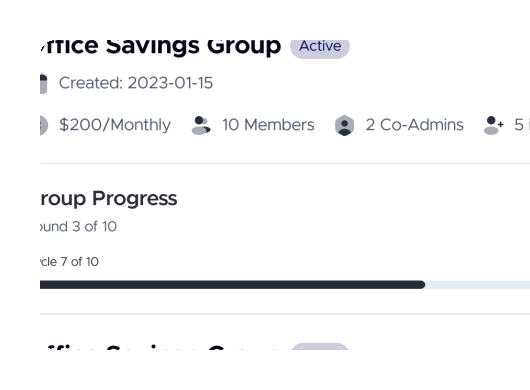
Run your circle with ease
Track contributions, manage payouts, and if your group agrees, add an admin fee structure.
For members in a savings group
If you have been invited into a savings group, here is what to expect.
Get invited to a circle
Someone you trust sends you an invite. Once you join, you can see the group, the schedule, and exactly what you are meant to contribute.
Make your contributions
Contribute weekly or monthly based on your group's plan. Everything is tracked, so there is no back-and-forth or confusion.
Receive your payout
When it is your turn in the rotation, you receive your lump sum payout straight to your account.



Ready to Start Saving Smarter?